If you are reading this, chances are you are drowning in a sea of to-do lists, sticky notes, and half-finished project boards. As someone deeply embedded in the fast-paced world of digital marketing and AI ecosystems, I know exactly how it feels to juggle social media calendars, web design revisions, and continuous content creation. Traditional task managers ask you to write down what you need to do, but they never actually tell you when to do it.
This leads to endless decision fatigue. You spend more time organizing your tasks than actually completing them. When deadlines shift or an urgent client request pops up, your meticulously planned day completely falls apart. You are left manually dragging and dropping tasks in your calendar, feeling constantly behind schedule.
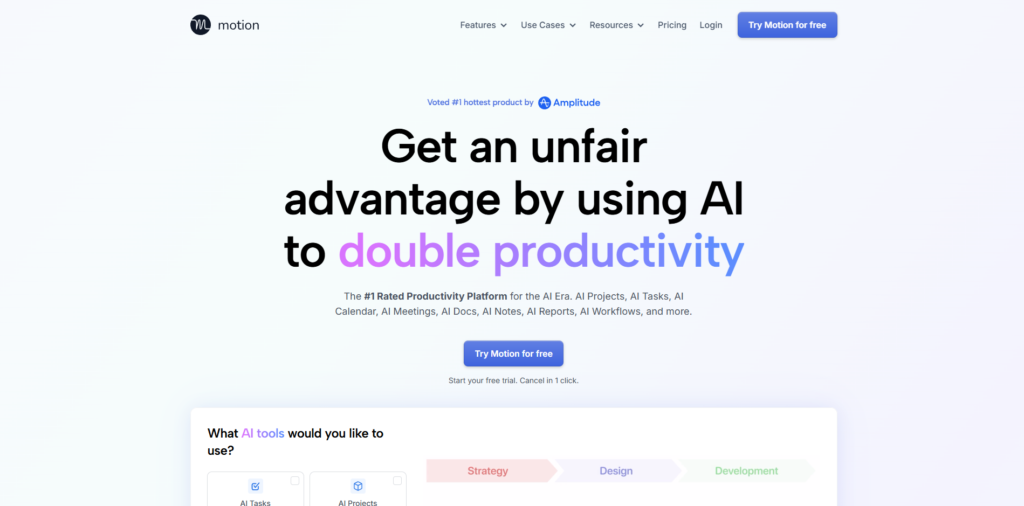
This exact frustration led me to try Motion, an AI-powered productivity tool that promises to act as your ultimate executive assistant. Instead of just storing your tasks, it uses artificial intelligence to build your daily schedule automatically. After months of relying on it to run my daily operations, I am ready to share my honest experience. In this comprehensive review, we will explore whether Motion AI is truly the game-changer it claims to be.
Overview of Motion: The AI-Powered Executive Assistant
At its core, Motion is a calendar, project manager, and task manager seamlessly rolled into one intuitive platform. However, calling it a simple task manager does not do it justice. It is an intelligent scheduling engine that uses a complex algorithm to optimize your workday.
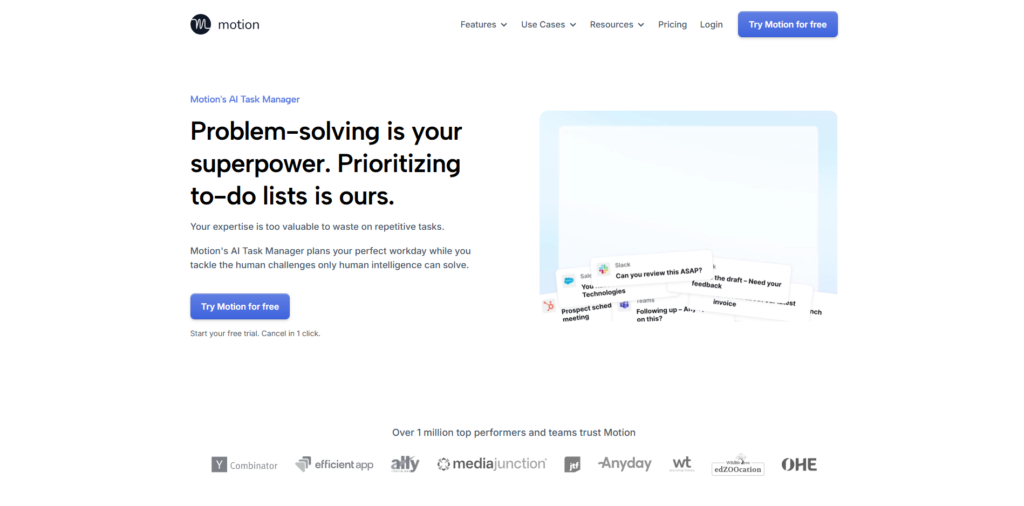
The primary goal of Motion is to eliminate the manual work of planning. You feed the software your tasks, tell it how long they will take, set the final deadline, and assign a priority level. From there, the AI takes over, analyzing your existing calendar events and automatically slotting your work into the optimal time blocks.
If a meeting runs late or an urgent video editing task is dropped on your desk, you don’t have to panic. Motion instantly recalculates and reorganizes your entire schedule. It ensures that your most critical deadlines are always met without requiring you to manually adjust a single calendar event. It is built for professionals who need to focus on deep work rather than endless administrative planning.
Key Features & Benefits
What makes this AI productivity tool stand out from legacy software like Asana, Trello, or Todoist? Here are the standout features that completely transformed my workflow.
Intelligent AI Auto-Scheduling
This is the heart and soul of the platform. When I input a new task—like reviewing a new web design mockup or finalizing an affiliate marketing campaign—I simply tell the AI that it needs to be done by Friday and will take two hours. Motion scans my connected Google and Outlook calendars, finds the best uninterrupted two-hour block, and schedules it for me. If Thursday fills up with unexpected meetings, the AI silently moves the web design task to Wednesday to ensure I don’t miss the deadline.
The Universal Calendar View
Most professionals suffer from calendar fragmentation, bouncing between personal Gmail accounts and corporate Outlook schedules. Motion aggregates all your calendars into one unified, visually pleasing interface. You can see your team meetings, personal appointments, and AI-scheduled deep work blocks in one place. It respects your working hours, ensuring that it never schedules a heavy strategic planning session at 9:00 PM on a Friday.
Automated Project Management
Managing large-scale projects can be a nightmare of assigning dependencies and tracking progress. With Motion, project management becomes incredibly dynamic. You can create a project, dump all the sub-tasks into it, assign them to different team members, and let the AI build everyone’s schedule. If a graphic designer is delayed on delivering assets, the AI automatically reschedules the subsequent social media management tasks for the rest of the team.
Smart Meeting Scheduler
Say goodbye to the endless “what time works for you?” email chains. Motion includes a built-in booking page that rivals tools like Calendly. However, it is much smarter. Because the AI knows exactly what tasks you have pending, it can protect your deep work time. You can set rules so that the booking link only offers times that won’t jeopardize your high-priority project deadlines.
Ideal Users / Use Cases
While Motion is a powerhouse, it is not necessary for someone who only has two or three simple tasks a day. It is specifically designed for high-performing individuals and teams dealing with complexity.
- Digital Marketers & Agency Professionals: When you are managing an intricate digital marketing ecosystem, your priorities shift daily. This tool is perfect for those balancing client meetings, SEO audits, content writing, and data analysis.
- Freelancers & Solopreneurs: If you are a one-person business juggling client fulfillment, affiliate marketing projects, and administrative work, you don’t have time to be your own project manager. The AI does the heavy lifting for you.
- Creative Teams: Video editors, UI/UX designers, and copywriters thrive on uninterrupted focus. The AI protects large blocks of time for deep creative work, ensuring that scattered 15-minute meetings don’t destroy a productive afternoon.
- People with ADHD: Many users with ADHD report that this tool is life-changing. By removing the stress of deciding “what to do next,” it allows users to simply open their calendar and follow the AI’s lead.
How It Works: The User Experience
Adopting a new AI task manager can be intimidating, but the onboarding process is surprisingly smooth. Here is exactly how it works from day one.
First, you connect your existing calendars. You can link multiple Google or Microsoft accounts, ensuring the system has a complete picture of your life. Next, you define your working hours. I set mine from 8:30 AM to 5:30 PM, and I specifically told the AI not to schedule heavy analytical work during my lunch hour.
Then comes the “brain dump” phase. You enter every single task you have pending. The interface asks you for a few crucial details: task name, duration, deadline, and priority (ranging from “ASAP” to “Low”). You can also specify if a task can be split up. For example, a four-hour video editing project can be broken down into two-hour chunks if necessary.
Once you hit save, the magic happens. You watch your calendar instantly populate with colorful blocks representing your tasks, perfectly woven between your existing meetings. As you complete tasks, you check them off, and they disappear. If you ignore a task because you were distracted, the AI notices and seamlessly rebuilds your schedule for the rest of the day, moving the missed task to the next optimal slot.
Pricing: Is It Worth the Investment?
When evaluating Motion AI, the pricing is often the biggest point of discussion. It is positioned as a premium tool, reflecting its advanced AI capabilities.
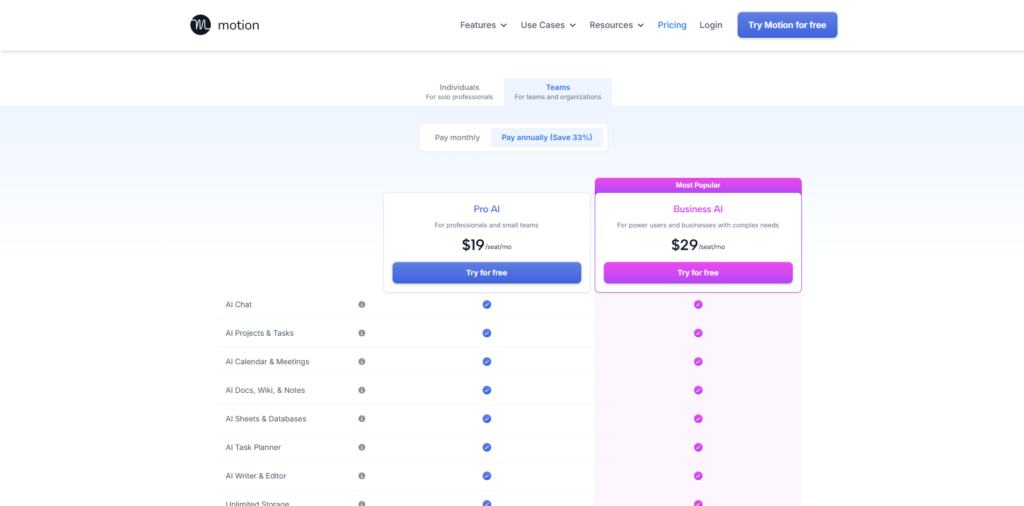
Currently, the Individual Plan is priced at around $19 per month when billed annually (or $34 per month on a monthly basis). This plan gives you full access to the AI scheduling algorithm, calendar management, and the meeting booking tool.
The Team Plan brings the cost down to about $12 per user per month (billed annually). This unlocks powerful collaborative features, allowing the AI to optimize schedules across an entire department, automatically assigning tasks based on team capacity.
While there is no permanent free tier, they offer a generous 7-day free trial. This is crucial because you truly need to experience the automated scheduling for a few days to understand its value. While $19 a month might seem high for a “to-do list,” it is incredibly cheap for an AI assistant that saves you hours of manual planning every single week.
Pros & Cons
No software is entirely flawless, and it is important to look at the whole picture before migrating your entire workflow. Here is a balanced look at the pros and cons based on extensive daily use.
Starting with the advantages, the sheer amount of time saved is revolutionary. You completely eliminate the Sunday night anxiety of planning your upcoming week because the AI handles the logistics. The dynamic rescheduling feature is flawless; when a surprise meeting destroys your afternoon, you no longer have to manually reorganize ten different tasks. Furthermore, consolidating your calendar, project management software, and meeting booking link into one single application justifies the premium price tag.
On the downside, the platform requires a strict level of discipline. If you do not input accurate time estimates for your tasks, the AI will build an unrealistic schedule that sets you up for failure. There is also a noticeable learning curve. You have to learn to trust the algorithm and let go of micro-managing your day, which can be difficult for control freaks. Finally, the mobile app, while functional, is not quite as robust or lightning-fast as the desktop web application.
FAQs
1. Does Motion integrate with other tools I already use?
Yes, it integrates seamlessly with Gmail, Google Calendar, Outlook, and Microsoft Teams. It also connects with Zoom and Google Meet to auto-generate conferencing links for your booking pages. Through Zapier, you can connect it to thousands of other apps, pushing tasks from platforms like Slack directly into your schedule.
2. What happens if I underestimate how long a task will take?
This happens often. If you scheduled an hour for a web design tweak but it takes two, you simply adjust the task duration in the app. The AI immediately recognizes the change and recalculates your remaining schedule, pushing lower-priority items back to accommodate the extra work.
3. Can I use Motion for my personal life as well as work?
Absolutely. You can create different workspaces or simply use distinct color-coding for personal tasks. Many users rely on it to schedule gym sessions, grocery shopping, and personal admin tasks right alongside their corporate responsibilities.
4. Is it better than tools like Todoist or Asana?
It depends on your needs. Todoist is a fantastic static list manager, and Asana is great for high-level project tracking. However, neither of them actively manages your time. If you struggle with execution and actually finding the time to do the work, this AI platform is far superior.
Conclusion & Call-to-Action
In a world where digital distractions are endless and workloads are heavier than ever, managing your time manually is becoming obsolete. Motion represents the future of productivity. It stops asking you to be an administrative assistant and allows you to be the creative professional you actually are.
By utilizing a sophisticated algorithm to optimize your calendar, protect your deep work time, and automatically adapt to the chaos of daily life, it delivers massive ROI. Whether you are running complex AI ecosystem projects, managing a high-volume social media agency, or simply trying to get your freelance life organized, this software provides immediate relief from overwhelm.
If you are tired of writing the same tasks on your to-do list every single day without ever completing them, it is time to let the AI take the wheel. Stop planning your work and start executing.
Ready to reclaim hours of your week and skyrocket your productivity? Click here to start your 7-day free trial of Motion AI and experience the future of work today!